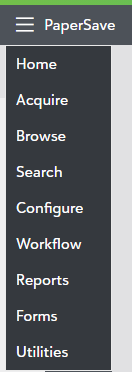
Navigation menu
You can navigate to different PaperSave areas such as Acquire, Browse, Search, Configure, Reports, Forms, and Utilities. Click on the  icon in top-left corner of the screen, and select the PaperSave Area that you intend to access as shown below: